




Skip to content

Cart

Your cart is empty

Article: Using Your Moonboard App

Using Your Moonboard App

Using Your Moonboard App

Download The MoonBoard App

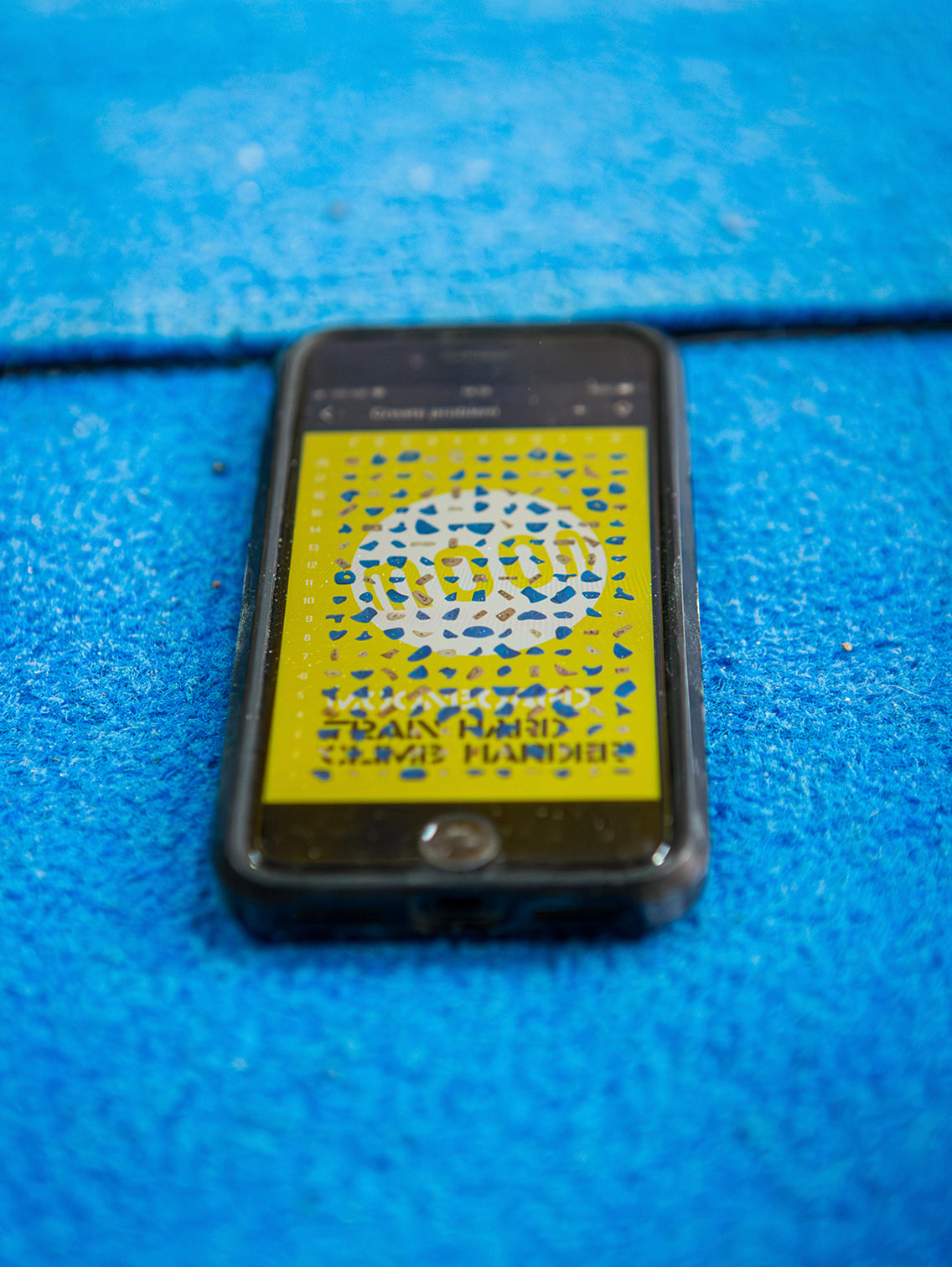
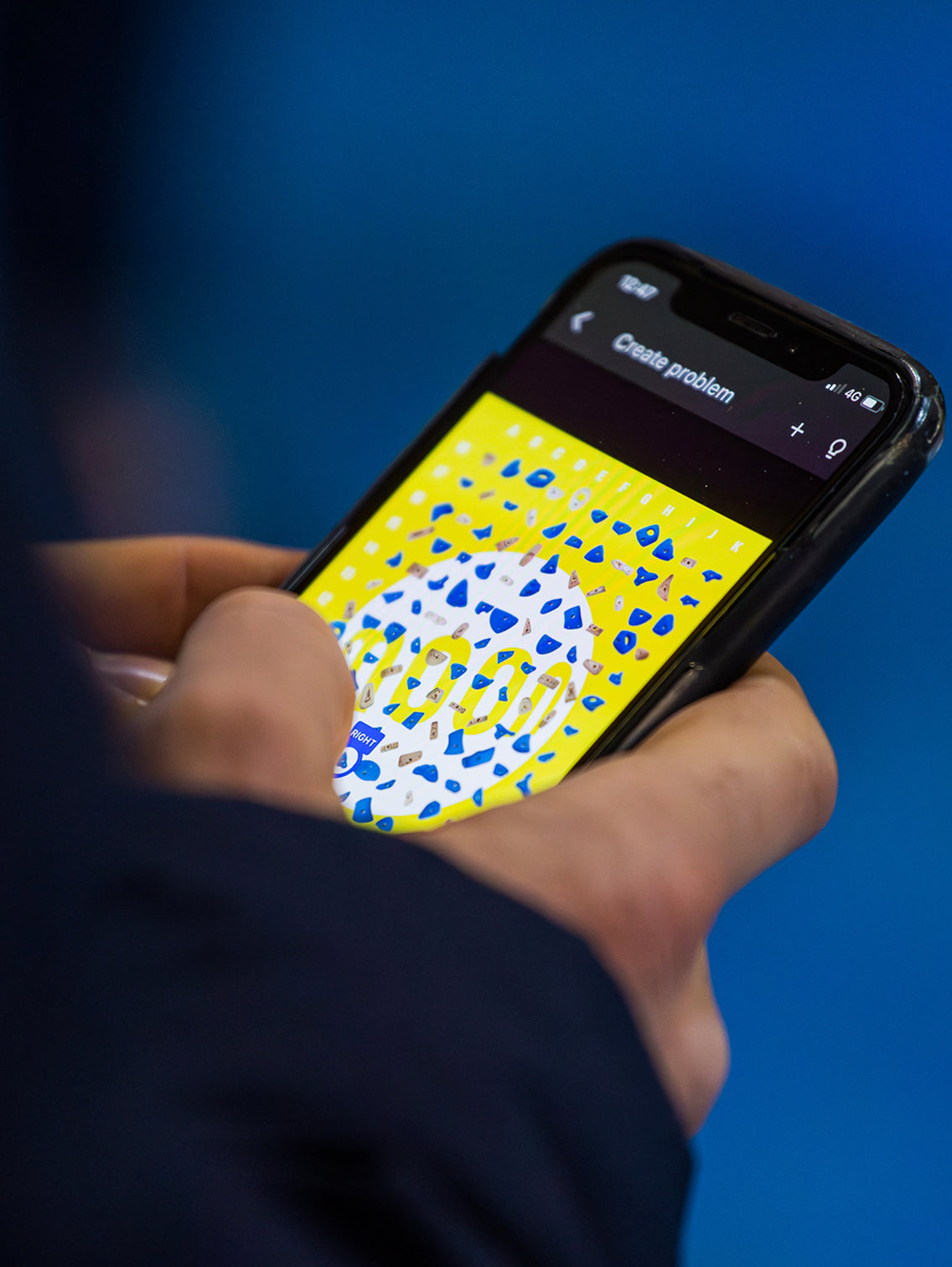
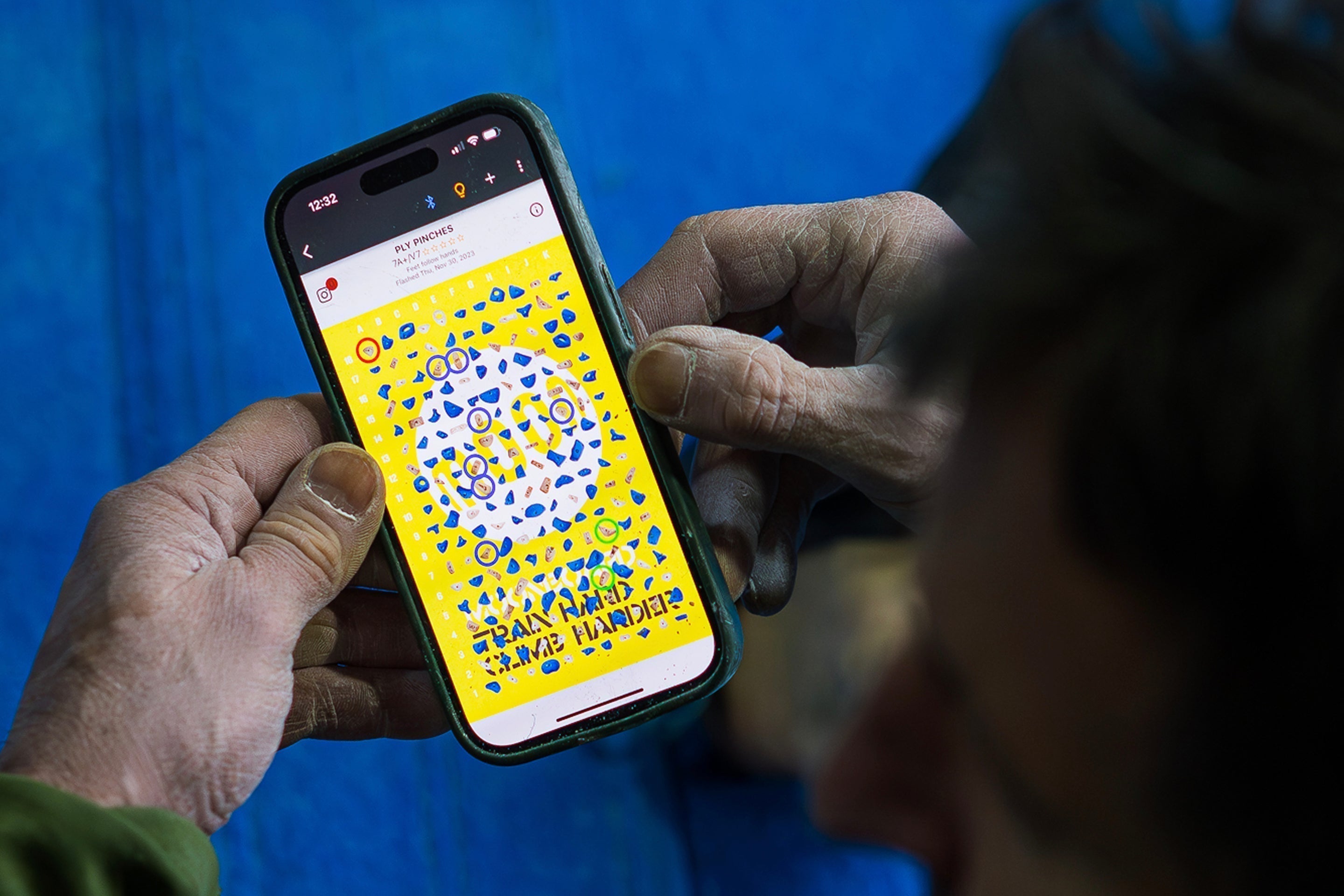
Download the free MoonBoard app. Select your board setup and check hold positions and orientation. Your app is now ready to use. You can browse thousands of problems, set your own climbs and log your ascents. Connect the app to your MoonBoard to illuminate problems on the wall as you climb. You can also log-in to your app account on your desktop here.

Moonboard App FAQs

Get The Moonboard App

How To Use The App

Browse the video tutorials below to learn how to use some of the MoonBoard app's key features. Click on the image or the name to view on YouTube.

Sign In And Setup Your App

Watch Tutorial

Filter and Sort Problems

View Tutorial

Connect To The Moonboard

View Tutorial

Add Problems to Logbook

View Tutorial

More Search Functions

View Tutorial

Create New Problems

View Tutorial

All Our Moonboard Guides

What Is The Moonboard

The MoonBoard is a standardised, interactive climbing wall that connects a global community of climbers through shared problems and competitive performance rankings.

Learn More

Choose Your Moonboard

Each MoonBoard setup is slightly different in terms of hold selection, angle, and feel. Explore and compare to find the one that best suits your space, style, and training goals.

Learn More

Build Your Moonboard

Our build guides highlights the basic structural requirements of the MoonBoard DIY kit. You will need basic carpentry skills, tools, and a minimum of two people.

Learn More

Moonboard FAQs

Explore our MoonBoard FAQs for clear guidance on the selection of, set up and usage of your MoonBoard.

Learn More

Moonboard App

Download the free MoonBoard app. Select your board setup and check hold positions and orientation. You can browse thousands of problems, set your own climbs and log your ascents.

Learn More